Viper Play Cashout & App Help PH

Viper Play Cashout & App Help for Filipino Players

Step-by-step guides for GCash and Maya withdrawals, bank transfers, APK installation, and fixing common login or cashout issues on Viper Play.

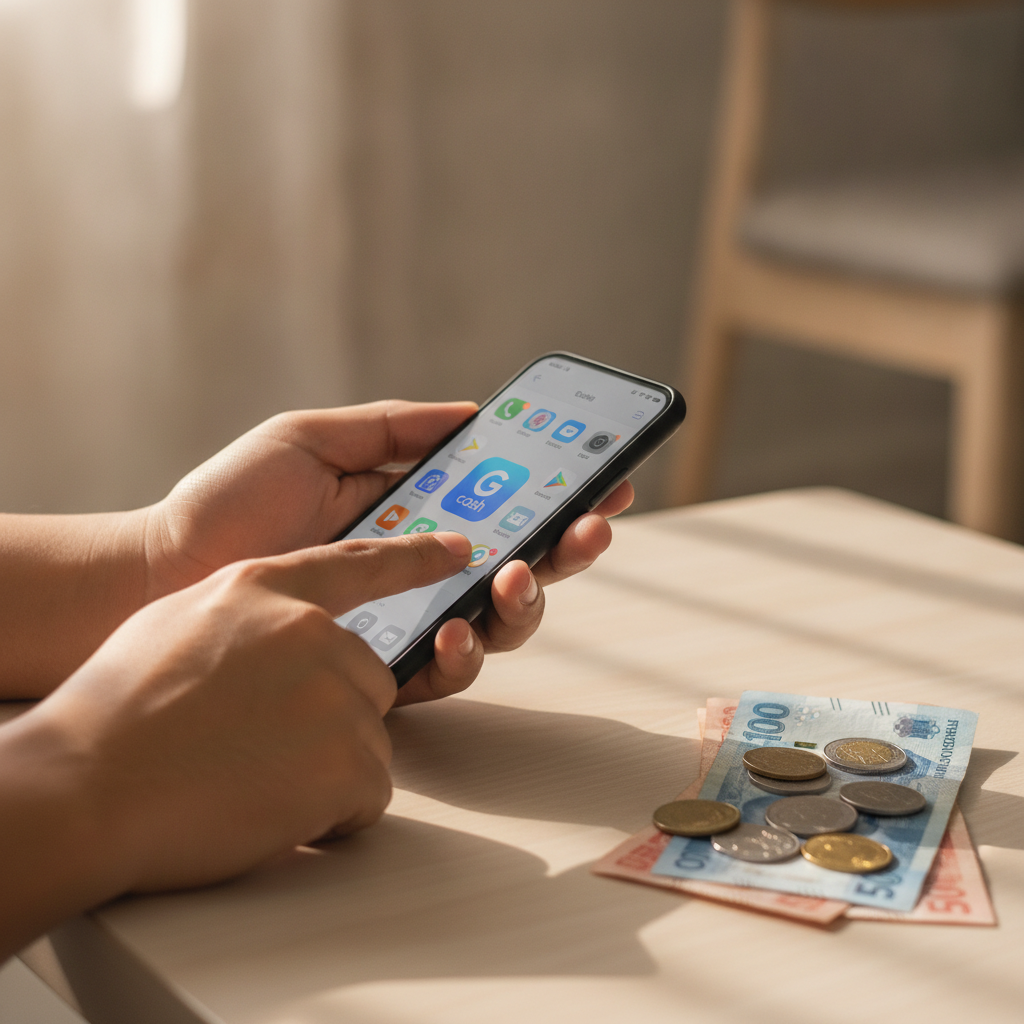
Hands using smartphone for GCash mobile payment in the Philippines
1

Withdraw Your Winnings: GCash, Maya & Bank Transfer

Viper Play offers several cashout methods for Filipino players, including GCash, Maya (formerly PayMaya), and bank transfers through InstaPay or PESONet. Processing times vary by method: e-wallet withdrawals to GCash or Maya typically complete within a few hours to one business day, while bank transfers can take one to three banking days depending on whether you choose InstaPay or PESONet. Fees and minimum withdrawal limits depend on the payment channel you select. Most e-wallet cashouts have a minimum of PHP 100 to PHP 200, and Viper Play may apply a small processing fee or pass on the e-wallet provider's charge. If your withdrawal is pending longer than expected or fails, common causes include incomplete account verification, mismatched account names, or daily limits on your GCash or Maya wallet. This site walks you through troubleshooting each scenario step by step. Always verify your Viper Play account and link the correct e-wallet or bank details before requesting a cashout. For responsible gambling support, visit PCSO or GameCare Philippines. Viper Play is for players 21 and over only.

2

Download & Install the Viper Play App (Android & iOS)

Viper Play offers a mobile app for both Android and iOS users in the Philippines. Because the app is not listed on the Google Play Store, Android players must download the APK file directly from the Viper Play website or a trusted mirror link. Once downloaded, enable "Install from unknown sources" in your phone's security settings, then open the APK to install. iOS users can add the app via a web-clip shortcut or download a profile if Viper Play provides one; check the official site for the latest iOS instructions. The app is optimized for mobile-first Filipino players, letting you deposit via GCash or Maya, place bets on PBA and NBA games, spin slots, and request withdrawals—all from your Android or iOS device. If you encounter a "Login failed" or "Verification error" message, make sure your app version is up to date and that your account has passed ID verification. Clear your app cache or reinstall the APK if the problem persists. Keep your login credentials secure and never share your password. The Viper Play app is intended for players aged 21 and above. Play responsibly and set deposit or time limits if you need help managing your budget.

3

Fix Common Cashout and Login Problems

Failed or stuck withdrawals are among the most frequent issues Viper Play users report. Check that your account name matches the name registered on your GCash, Maya, or bank account exactly—even a middle initial or spacing mismatch can cause the payment processor to reject the transaction. If your cashout has been pending for more than 24 hours, contact Viper Play support through live chat or email and provide your transaction reference number and screenshot. Login errors often stem from outdated app versions, cleared browser cookies, or caps-lock typos. If you've forgotten your password, use the "Forgot Password" link on the Viper Play login page to reset it via SMS or email. For "Account under verification" messages, submit a clear photo of your government-issued ID and a selfie holding the ID; most verifications complete within one to two business days. This independent guide exists to help you solve real-world payment and app issues quickly. Viper Play operates an online casino and sportsbook for the Philippine market, and all players must be 21 years or older. Remember to gamble responsibly—never bet more than you can afford to lose, and seek help if gambling is causing harm.

Give Viper Play a try