Viper Play Account Verification: Why Your Withdrawal Needs ID and How to Submit
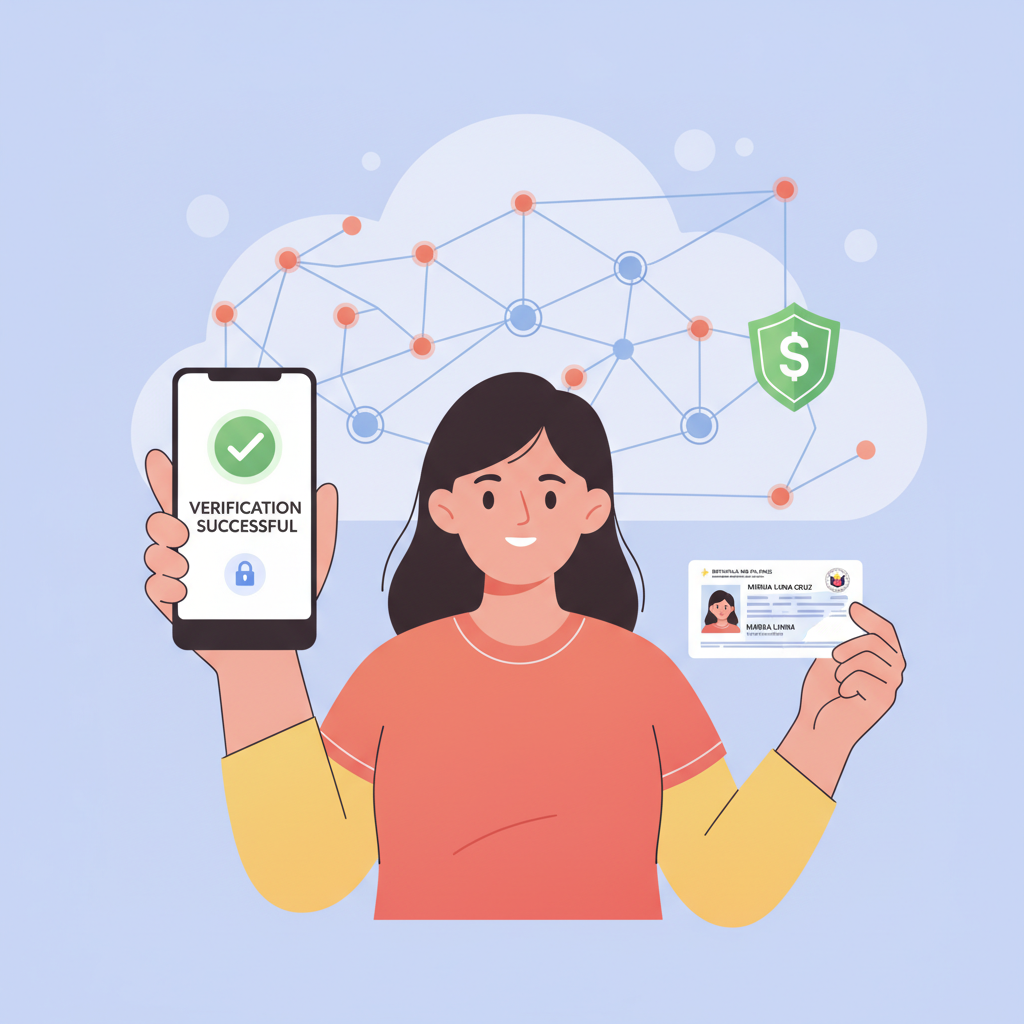
When Viper Play Asks for ID: First Cashout or Random KYC Checks
Viper Play requires account verification before processing most withdrawals to GCash, Maya, or bank transfer. This identity check—often called KYC (Know Your Customer)—is standard practice at online casinos in the Philippines and helps prevent fraud and money laundering.
First withdrawal trigger: The most common scenario is when a player requests their first cashout. Even if you deposited PHP 500 through GCash and won PHP 2,000, Viper Play will pause the withdrawal and ask you to verify your identity before releasing funds.
Random security checks: Viper Play may also request verification at any time, even if you've cashed out before. Triggers include larger-than-usual withdrawal amounts, changes to your payment method (switching from GCash to a new bank account), or routine compliance audits. If the platform flags your account, you'll see a notification in the app or receive an email asking for documents.
Withdrawal on hold: Until verification is complete, pending cashouts remain in your Viper Play account balance. You can cancel the withdrawal and continue playing, but the funds won't move to your GCash, Maya, or bank until your documents are approved.
Accepted Documents: Government ID, Selfie, Proof of Address
Viper Play typically asks for three types of documents. Requirements may vary slightly depending on your account history and withdrawal amount, but most players will need:
Government-issued photo ID: Submit a clear photo of one of the following:
- Philippine passport
- Driver's license
- UMID (Unified Multi-Purpose ID)
- SSS ID
- Postal ID
- Voter's ID
- PRC (Professional Regulation Commission) ID
The ID must be valid (not expired), show your full name, date of birth, photo, and ID number. Both front and back sides are usually required if information appears on both.
Selfie with ID: Viper Play often requests a photo of you holding your government ID next to your face. The selfie should be well-lit, with your face and the ID clearly visible in the same frame. Some players are also asked to include a handwritten note with the current date and "Viper Play" written on it.
Proof of address: This document confirms you live at the address registered on your Viper Play account. Acceptable proof includes:
- Utility bill (electricity, water, internet) dated within the last three months
- Bank statement showing your name and address, issued within three months
- Barangay certificate or certificate of residency
- Government correspondence (tax documents, PhilHealth, SSS statements)
The address on this document must match the address you provided when you opened your Viper Play account. If you've moved or used a different address during registration, contact Viper Play support before submitting documents.
File quality matters: Use your phone camera to take high-resolution photos in good lighting. All four corners of the document should be visible, text must be legible, and there should be no glare covering important details. Blurry, cropped, or edited images are the most common reason for rejection.
How to Upload Photos in the App or Send via Email to Support
Viper Play offers two main methods for submitting verification documents:
In-app upload (recommended):
- Open the Viper Play Android app or mobile site and log in.
- Tap the menu icon (usually three horizontal lines) and select Account or Profile.
- Look for a section labeled Verification, KYC, or Upload Documents. If you have a pending withdrawal, you may also see a banner or pop-up prompting you to verify.
- Tap Upload or Choose File for each document type (ID front, ID back, selfie, proof of address).
- Select the photo from your phone's gallery or use your camera to take a new picture.
- Review each image to confirm it's clear and complete, then tap Submit or Send.
Once uploaded, you should see a confirmation message. Some players receive an automated email acknowledging receipt.
Email submission:
If the app doesn't show an upload option or you encounter technical issues, send your documents directly to Viper Play support. The exact email address is usually listed in the withdrawal notification or on the Viper Play website's contact page (often support@viperplay.com or similar—check the official site for the current address).
In your email:
- Use the subject line: Account Verification – [Your Viper Play Username]
- Include your registered email address and phone number in the body of the message
- Attach all required documents as separate image files (JPEG or PNG format)
- Briefly explain that you are submitting ID verification for a pending withdrawal
Keep your email polite and to the point. Avoid sending documents through Facebook Messenger or unofficial channels; Viper Play's official support email is the safest route.
File size and format: Most platforms accept JPEG, JPG, and PNG files under 5 MB each. If your phone camera produces very large files, use a free compression app or tool to reduce the size without losing clarity.
How Long Verification Takes and What Happens if Documents Are Rejected
Typical processing time: Viper Play usually reviews verification documents within 24 to 72 hours. During busy periods—weekends, holidays, or major sporting events like PBA finals—it may take up to five business days. You won't be able to complete your withdrawal until verification is approved, so submit documents as soon as possible.
Approval notification: Once your account is verified, Viper Play sends a confirmation email or in-app notification. Your pending withdrawal will then move into processing. Expect an additional wait for the funds to reach your GCash or Maya wallet (often a few hours to one business day) or your bank account via InstaPay (same day) or PESONet (one to three business days).
If documents are rejected: Viper Play support will email you with a reason—common issues include:
- Expired ID: Submit a current, valid government-issued ID.
- Blurry or incomplete photo: Retake the image in better lighting, ensuring all edges and text are visible.
- Name mismatch: The name on your ID must match the name on your Viper Play account exactly. If you used a nickname or shortened name during registration, contact support to update your account details before resubmitting.
- Address mismatch: The proof-of-address document must show the same address you registered. If you moved, update your account information first.
- Selfie issues: Your face and ID must both be clearly visible in one photo. Avoid sunglasses, hats, or heavy filters.
After fixing the issue, resubmit your documents using the same method (app upload or email). The verification clock resets, so allow another 24–72 hours for review.
What if your withdrawal is urgent?: If you need funds quickly, politely ask Viper Play support for an estimated timeline when you submit your documents. However, rushing the process or submitting incomplete files will only cause delays. Prioritize clear, accurate photos the first time.
Account security tip: Once verified, your account status usually remains active for future withdrawals. However, Viper Play may ask for updated documents if your ID expires, you change your registered payment method, or the platform conducts periodic compliance reviews. Keep digital copies of your ID and proof of address handy to avoid last-minute scrambling.
21+ Only – Keep Gambling Fun and Within Your Means
Viper Play is for players aged 21 and over. Online casino gaming and sports betting should be entertaining, not a way to solve financial problems. Set a budget before you play, never chase losses, and take breaks if gambling stops being fun. If you or someone you know needs help managing gambling habits, reach out to a trusted friend, family member, or local support resource. Play responsibly and stay in control.
About this guide: This is an independent help site for Viper Play players in the Philippines. We are not affiliated with or operated by Viper Play. Information is provided for practical guidance only; always check the official Viper Play platform for the most current policies, processing times, and contact details.