Viper Play GCash Withdrawal Failed: 5 Common Reasons and Fixes
Viper Play GCash Withdrawal Failed: 5 Common Reasons and Fixes
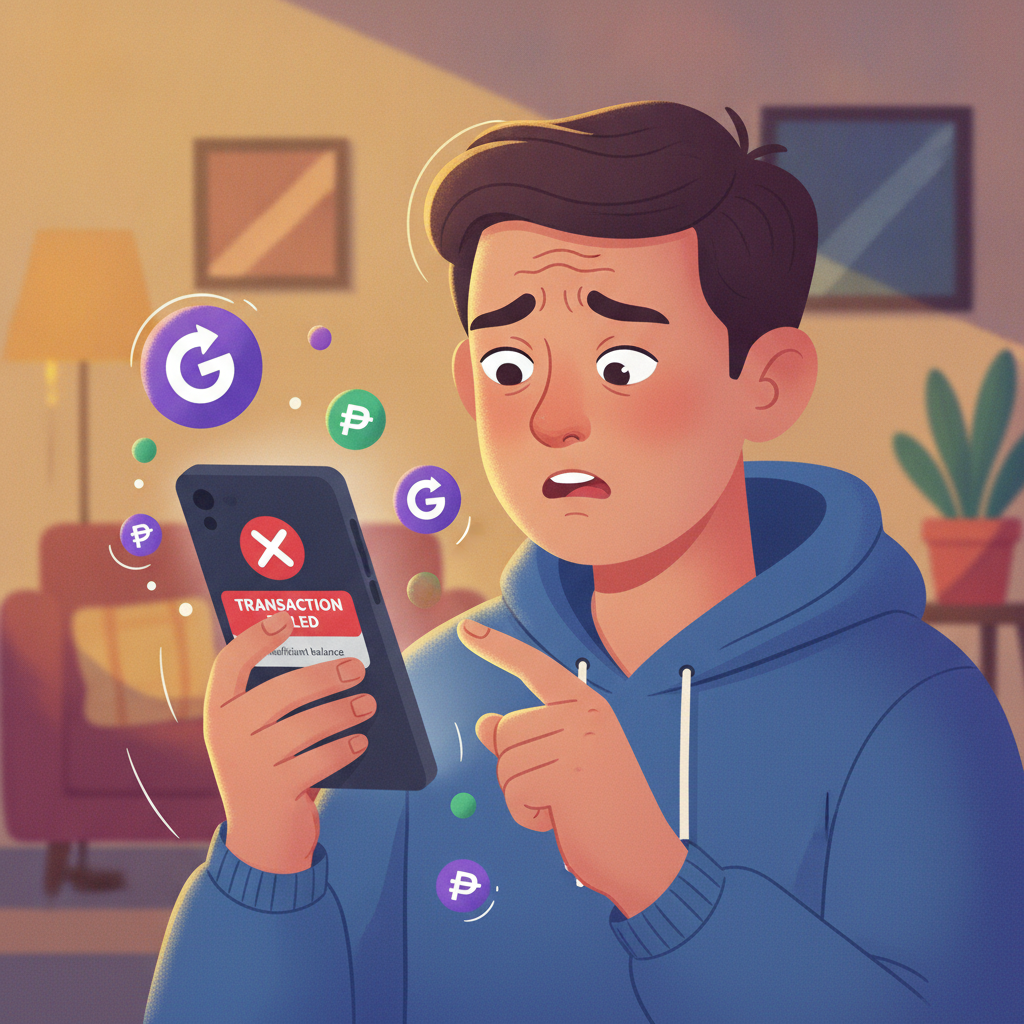
When a Viper Play withdrawal to GCash fails or gets stuck pending, it usually comes down to one of five issues. This guide walks through each reason and what to do next, so you can move your pesos without extra delays.
Viper Play is an online casino and sportsbook serving Filipino players with slots, live dealer tables, PBA and NBA betting, and bingo. GCash is the most popular e-wallet for deposits and cashouts among Metro Manila and provincial users—but rejected withdrawals still happen. Here's how to troubleshoot them.
21+ only. Only bet what you can afford to lose. If gambling is affecting your life, seek help.
1. Name Mismatch Between Viper Play Account and GCash Wallet
The most common reason for a failed Viper Play GCash withdrawal is a name mismatch. Philippine regulations and e-wallet provider rules require the name on your casino account to match the name registered on your GCash wallet exactly.
Why this happens
- You registered Viper Play using a nickname, shortened name, or someone else's details.
- Your GCash account is under a family member's or friend's name.
- Spelling differences: "Jose" vs. "Joseph," or middle initials missing.
How to fix it
- Open the GCash app, tap your profile icon, and check the full name on file. It should match the name you provided during Viper Play account verification.
- If the names don't match, you have two options:
- Update your Viper Play account name by contacting support (covered below) and submitting a valid ID. Viper Play may ask for a selfie holding your government-issued ID.
- Withdraw to a different e-wallet or bank account that matches your Viper Play name.
- Do not attempt to withdraw to someone else's GCash wallet. This will trigger a permanent block on the transaction and may flag your account for review.
Even a small typo can block the payout. Double-check both names before you request a withdrawal.
2. Insufficient Balance or Unmet Turnover Requirements
If your Viper Play GCash withdrawal is rejected with a message about "invalid withdrawal amount" or "bonus terms not met," you may not have cleared the platform's turnover requirements.
What turnover means
Turnover (also called "rollover" or "wagering requirement") is the total amount you must bet before you can cash out. This applies to:
- Bonus funds: If you claimed a reload bonus, free spins, or cashback, Viper Play requires you to wager a multiple of the bonus amount—often 5× to 25×—before any winnings become withdrawable.
- First deposits: Some promotions require you to turn over your deposit at least once before withdrawal.
How to check your status
- Log in to your Viper Play account on your Android phone or browser.
- Go to Account → Balance or Bonus History.
- Look for "Bonus Balance" vs. "Withdrawable Balance." Only the withdrawable balance can be cashed out via GCash.
- If a bonus is still active, you'll see a progress bar or remaining turnover amount.
How to fix it
- Complete the required turnover by placing bets on slots, live dealer games, or sports. Check which games contribute 100% toward rollover; some table games or low-margin sports bets may count less.
- If you no longer want the bonus, contact support to forfeit it. This will unlock your deposit for withdrawal, but you'll lose any bonus funds and winnings tied to them.
Do not attempt to withdraw until your account shows the full amount as "withdrawable." Viper Play will auto-reject the request and may reset your bonus progress.
3. Daily or Weekly Withdrawal Limit Already Reached
Viper Play sets maximum withdrawal limits per day and per week to manage cash flow and prevent fraud. If you've already cashed out earlier in the period, your GCash withdrawal will fail until the limit resets.
Typical limits
- Daily limit: PHP 50,000 for standard accounts; may be lower (PHP 20,000–30,000) for new or unverified users.
- Weekly limit: PHP 150,000–200,000 for most players.
- VIP players: Higher-tier accounts may enjoy raised limits, but this varies.
These figures are examples; check Viper Play's cashier page or terms for the exact caps.
How to check your current usage
- Go to Cashier → Withdrawal History in your Viper Play account.
- Add up all successful GCash (and other e-wallet) withdrawals in the past 24 hours or seven days.
- If the total equals or exceeds your limit, your next request will queue or be rejected.
How to fix it
- Wait for the reset: Daily limits usually refresh at midnight Philippine Time; weekly limits reset seven days after your first withdrawal of the period.
- Withdraw the remaining allowance: If you have PHP 10,000 left under your daily cap, request only that amount and schedule the rest for tomorrow.
- Contact support to ask when your limit will refresh or if you qualify for a tier upgrade.
Planning larger cashouts across multiple days avoids surprise failures and keeps your GCash wallet topped up steadily.
4. GCash Wallet Not Verified or Temporarily Locked
Even if your Viper Play account is in good standing, a problem on the GCash side can block incoming transfers from online casinos.
Common GCash issues
- Unverified wallet: GCash limits unverified accounts to PHP 100,000 per month in total transactions (in + out). If you hit that cap, casino withdrawals bounce.
- Temporary lock: GCash may freeze your wallet if it detects unusual activity, a disputed transaction, or incomplete KYC (Know Your Customer) documents.
- Outdated app: An old version of the GCash app can cause sync errors and failed credits.
How to check and fix
- Verify your GCash account:
- Open the GCash app and tap "View Limits."
- If you see "Unverified" or "Partially Verified," tap Verify Now.
- Submit a selfie and a valid government ID (driver's license, passport, UMID, or postal ID).
- Fully verified accounts can receive up to PHP 500,000 per month, more than enough for Viper Play withdrawals.
- Check for a lock or suspension:
- If you cannot send or receive money, GCash will show a notification. Contact GCash customer service via the app chat or hotline (2882).
- Resolve any ID or transaction issues they flag. This typically takes 1–3 business days.
- Update your app:
- Go to Google Play, search "GCash," and tap Update if available.
- Restart your Android phone and try receiving a test transfer from a friend before requesting a Viper Play cashout.
Once your GCash wallet is verified and active, retry the withdrawal from Viper Play's cashier.
5. How to Contact Viper Play Support with Your Transaction ID
If none of the above fixes work—or if your withdrawal has been pending for more than 24 hours—reach out to Viper Play customer support with your transaction details.
What you'll need
- Transaction ID: Found under Cashier → Withdrawal History. It's a unique alphanumeric code (for example,
WD123456789PH). - Exact withdrawal amount in PHP.
- Date and time you submitted the request.
- Screenshot of the failed or pending status (optional but helpful).
- GCash registered mobile number and account name.
How to contact support
Viper Play typically offers:
- Live chat: Available 24/7 in the bottom-right corner of the website or app. Fastest for urgent cashout issues.
- Email: Check the Viper Play "Contact Us" or "Help" page for the official support address. Expect a reply within 12–24 hours.
- Phone/Viber: Some Filipino-facing platforms offer local hotline numbers; confirm on the official site.
What to say
Keep your message short and clear:
"My GCash withdrawal of PHP [amount] submitted on [date/time], transaction ID [ID], has failed / been pending for over 24 hours. My Viper Play account name is [your full name], and my GCash is registered under the same name, number [mobile]. Please advise on next steps."
Support can check server logs, verify your turnover status, and manually push through approved withdrawals. In rare cases of a technical glitch, they may credit your Viper Play balance and ask you to resubmit.
Final Checklist Before You Retry
Before submitting another Viper Play GCash withdrawal, confirm:
- ✅ Your Viper Play account name matches your GCash wallet name exactly.
- ✅ Your withdrawable balance (not bonus balance) covers the amount you want to cash out.
- ✅ You have not exceeded your daily or weekly limit.
- ✅ Your GCash wallet is fully verified and not locked.
- ✅ The GCash app is updated to the latest version.
Most failed withdrawals clear within 24 hours once you fix the underlying issue. If Viper Play processes the cashout successfully, GCash usually credits your wallet instantly or within a few minutes.
Responsible Gambling Reminder
Viper Play is for players aged 21 and over only. Withdraw winnings regularly and never chase losses. Only bet money you can afford to lose. If you or someone you know is struggling with gambling, reach out to a local support service or use Viper Play's self-exclusion and deposit-limit tools.
This guide is provided by an independent help site and is not affiliated with or endorsed by Viper Play. Always refer to Viper Play's official terms and customer support for the latest policies on GCash withdrawals, limits, and verification.