Viper Play iOS App: Can iPhone Users Download It and How?
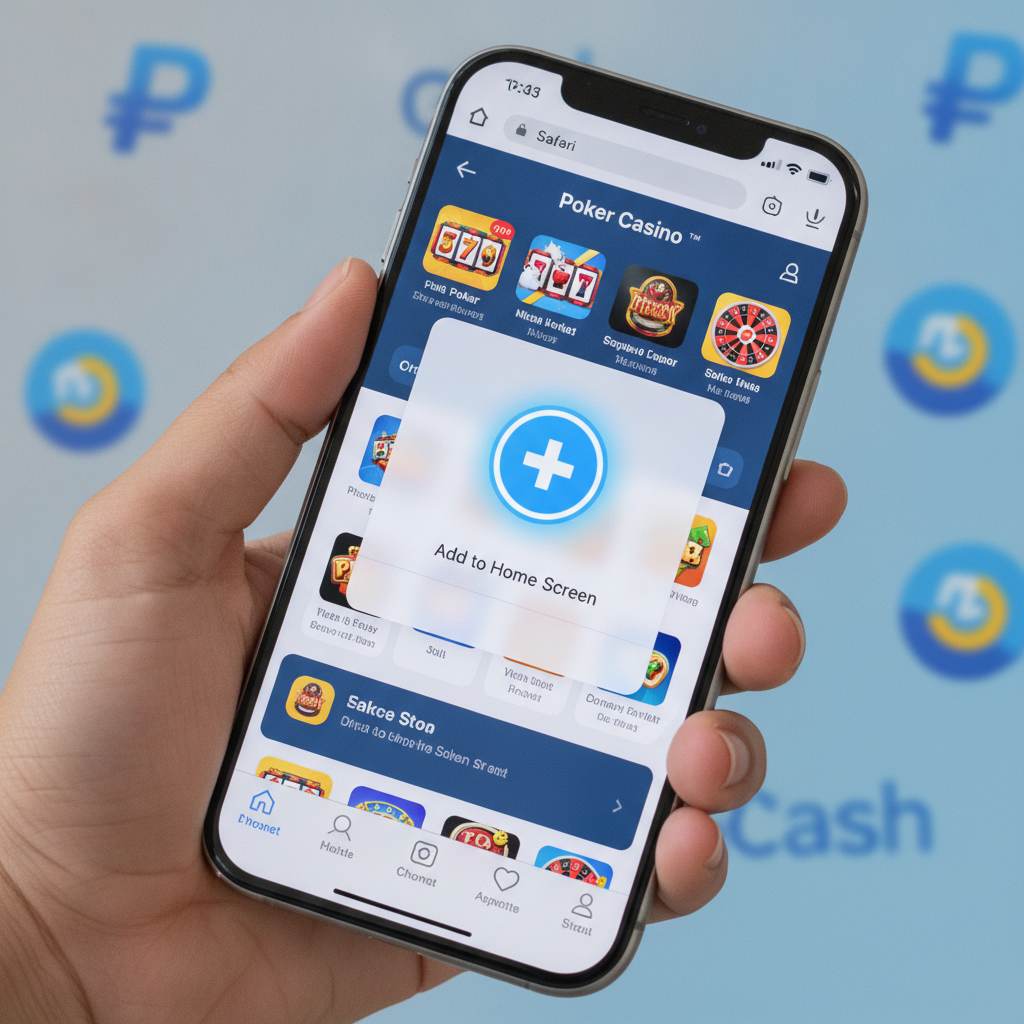
If you're an iPhone user in the Philippines and want to play at Viper Play, you've probably searched the App Store already. This guide explains whether a native Viper Play iOS app exists, how to use the mobile web version on Safari, and what to expect compared to the Android APK experience.
This site is for players aged 21 and over only. Set deposit limits before you play, and never bet money you can't afford to lose.
Is there a native Viper Play app for iOS in the App Store?
As of now, Viper Play does not offer a native iOS app in the Philippine App Store. Apple's strict policies around real-money casino and sports betting apps mean most operators in the region—including Viper Play—rely on a mobile-optimized website instead of a downloadable app.
You won't find an official Viper Play app by searching "Viper Play" or "Viper Play casino" in the App Store. If you do see an app with a similar name, it's not the legitimate Viper Play platform. Avoid downloading unofficial apps that claim to be Viper Play; these can be scams or phishing attempts.
The good news: Viper Play's mobile website works smoothly on Safari and can be saved to your home screen to mimic a native app. You'll get access to all features—slots, live dealer tables, PBA and NBA betting, bingo, and your GCash or Maya wallet—without needing an App Store download.
How to use the mobile web version (PWA) on Safari
Viper Play's mobile site is built as a progressive web app (PWA), meaning it adapts to your iPhone screen, loads quickly, and saves your login session. You don't need to install anything; just open Safari and navigate to the Viper Play website.
Here's how to get started:
- Open Safari on your iPhone. (Use Safari, not Chrome or other browsers, for the best PWA experience on iOS.)
- Type the Viper Play URL into the address bar and tap Go.
- Log in with your existing username and password. If you've never logged in before, you'll need to complete registration and ID verification first—those steps are covered on Viper Play's beginner guides.
- Browse the lobby. You'll see the same game selection, sports markets, and cashier options as the Android APK or desktop site.
The mobile web version works over Wi-Fi or mobile data. If you're on a slower connection in the provinces, pages may take a few extra seconds to load, but overall performance is solid. Live dealer streams and sports betting odds update in real time, just like the app.
Adding a Viper Play shortcut to your iPhone home screen
Instead of typing the Viper Play URL every time you want to play, you can add a shortcut icon to your home screen. This makes launching Viper Play feel like opening a native app.
Step-by-step:
- Open the Viper Play site in Safari and log in (optional, but it helps Safari remember the page).
- Tap the Share button at the bottom of Safari—it's the square icon with an upward arrow.
- Scroll down and tap "Add to Home Screen."
- Edit the name if you like (for example, shorten it to "Viper Play"), then tap Add in the top-right corner.
- Check your home screen. You'll see a new icon. Tap it to launch Viper Play in a standalone Safari window, without the browser's address bar or toolbars.
This shortcut icon stays on your home screen until you delete it. It doesn't take up much storage—only a few kilobytes—because it's a link, not a full app download. You'll still need an internet connection to play, since the games and account data load from Viper Play's servers.
Tip: If you clear Safari's cache or history, you may be logged out of Viper Play. Bookmark your login page or save your password in iCloud Keychain to speed up the next sign-in.
Performance and login differences between Android APK and iOS web
Many Filipino players use Android phones and download Viper Play's APK file directly from the site. iPhone users can't install an APK, so the experience differs slightly. Here's what's the same and what's different:
What's the same
- Game library. Slots, jackpot games, live baccarat, blackjack, roulette, PBA and NBA betting, volleyball markets, and bingo all load identically on iOS and Android.
- Cashier functions. GCash deposits and withdrawals, Maya transfers, InstaPay and PESONet bank options, and transaction history are available on both platforms.
- Account security. Two-factor authentication, password changes, and ID verification work the same way.
- Bonuses and promos. Any active reload offers, cashback, or rebates apply across all devices—your account balance and bonus status sync automatically.
Key differences
- Installation method. Android users download and install an APK file. iPhone users add a Safari shortcut or bookmark; nothing installs in the traditional sense.
- Updates. The Android APK sometimes requires a manual re-download when Viper Play releases a new version. The iOS web version updates automatically because it's server-side—you always see the latest layout and features as soon as you refresh.
- Offline access. The Android APK may cache login screens, but you still need data to play. The iOS shortcut won't open at all without an internet connection.
- Push notifications. The APK can send notifications for new bonuses or withdrawal confirmations if you grant permission. Safari on iOS does not support web-based push notifications for casino sites in the Philippines, so you won't get alerts unless you check your email or SMS.
- Biometric login. Some Android APK versions support fingerprint unlock. On iOS, you can use Face ID or Touch ID through Safari's autofill for your password, but there's no dedicated biometric unlock within the web app itself.
In practice, most players notice little difference during gameplay. Loading times are similar on modern iPhones and mid-range Android devices over the same network. The main trade-off is convenience: Android users get a dedicated app icon and occasional notifications, while iPhone users rely on Safari's PWA and home-screen shortcuts.
Login and verification tips for iPhone users
If you're logging in from Safari for the first time, keep these points in mind:
- Use the correct URL. Bookmark the official Viper Play site to avoid phishing copies. Never click login links from unsolicited SMS or email.
- Enable autofill. Store your username and password in iCloud Keychain so Safari fills them automatically. This saves time and reduces typos.
- Complete ID verification early. Viper Play requires a verified account before processing withdrawals. Upload a clear photo of your valid ID (driver's license, passport, or UMID) and a selfie through the cashier or account settings. Verification usually takes a few hours; do it before your first cashout to avoid delays.
- Session timeouts. If you leave Safari idle for a long time, Viper Play may log you out automatically. Simply sign in again—you won't lose any pending bets or bonus progress.
- Clear cache if pages freeze. Go to Settings > Safari > Clear History and Website Data if the site stops loading. You'll be logged out, but a fresh session often fixes glitches.
Managing deposits and withdrawals on iOS
Viper Play's cashier works the same on iPhone as it does on Android or desktop. You can:
- Deposit via GCash or Maya by entering your mobile wallet number and the amount in PHP. Minimum deposits are usually ₱100. Funds appear instantly in most cases.
- Deposit via InstaPay or PESONet by selecting your bank, logging in through your banking app or web portal, and confirming the transfer. InstaPay clears within minutes; PESONet can take a few hours.
- Withdraw to GCash or Maya by requesting a payout in the cashier. Processing times range from a few minutes to 24 hours, depending on verification status and withdrawal amount.
- Withdraw to your bank account via InstaPay (faster) or PESONet (next banking day). Viper Play may charge a small fee for bank withdrawals; check the cashier for current rates.
For detailed walkthroughs of each payment method, including fees, limits, and troubleshooting pending or failed cashouts, refer to the dedicated Viper Play withdrawal and GCash guides on this site.
Responsible gambling reminder
Viper Play is for players 21 years old and above only. Before you add the home-screen shortcut and start playing, set a deposit limit in your account settings. Decide in advance how much you can afford to lose each week, and stick to that budget.
If you feel you're spending too much time or money, use Viper Play's self-exclusion tools or reach out to a local support organization. Gambling should be entertainment, not a way to solve financial problems.
Bottom line: iPhone users in the Philippines cannot download a native Viper Play app from the App Store, but the mobile web version on Safari delivers the full casino and sportsbook experience. Add a home-screen shortcut for one-tap access, keep your login details saved in iCloud Keychain, and complete ID verification early to ensure smooth GCash or Maya withdrawals. Performance is comparable to the Android APK, with automatic updates and no manual downloads required.